
About ScreenGlimpse
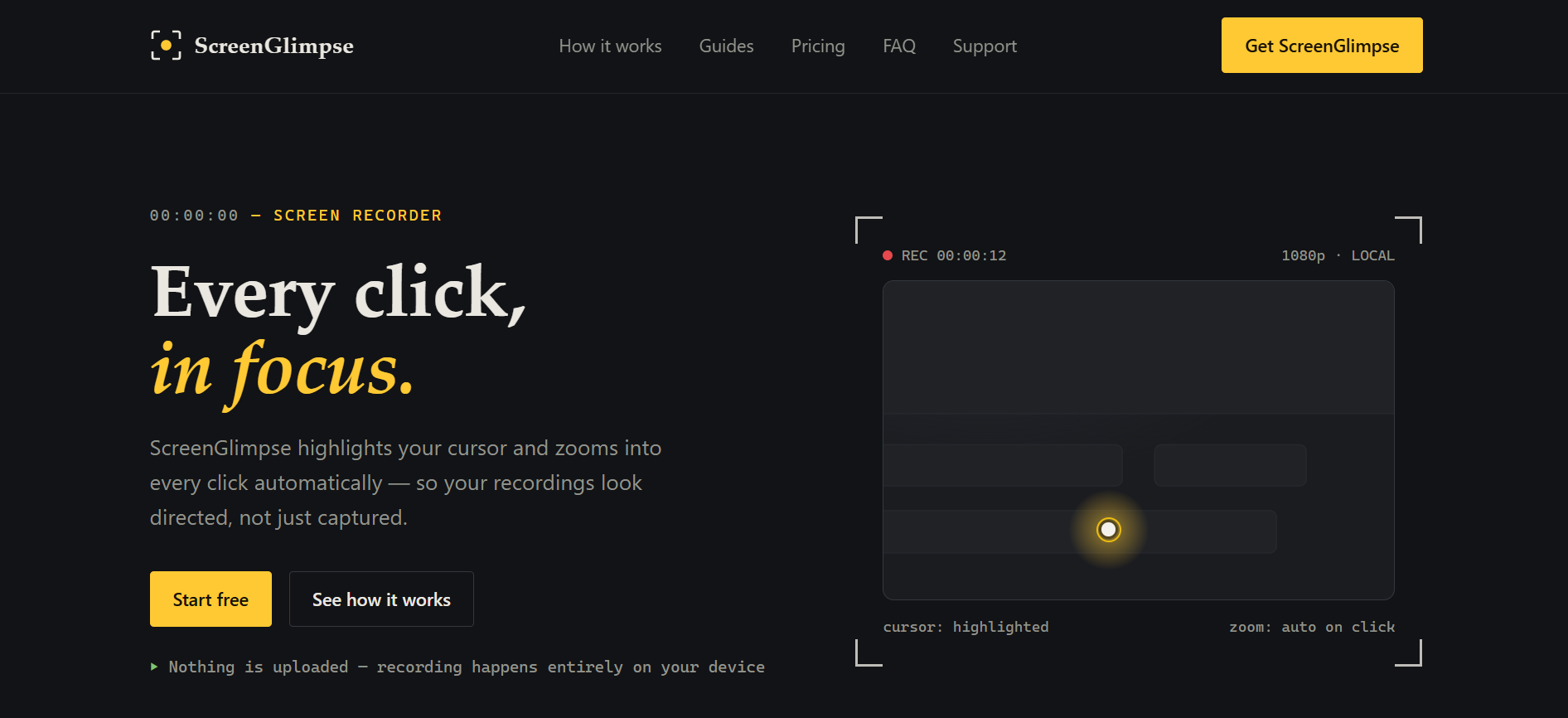
You know, when you're trying to make a tutorial or a demo, explaining where to look can be real tricky. It just makes things take longer. Well, ScreenGlimpse is actually a pretty neat tool that solves that. It automatically highlights your cursor, really puts a spotlight on it, and then zooms right in when you click. This means your viewers never, ever lose track of what you're doing. It kinda directs their eye, which is cool.
And here’s a big thing, a lot of screen recorders, they upload your stuff to their cloud, even if you don’t realize it. Not this one. All the recording, the clever cursor stuff, the zoom, and converting the video? It all happens right there on your computer. Nothing goes up to the internet, so your privacy is solid. No account needed for the free version either, which is nice. It works completely offline too, useful if you're, like, on a plane.
It works on pretty much every major desktop system you can think of—Windows, macOS, even Linux—and they have a browser version too for when you just need a quick recording without installing anything. You can record your whole screen or just a window, grab audio from your mic, system sounds, and even throw in a little webcam bubble. The export process is super fast, too. You just hit stop, and boom, your MP4 or WebM file is ready to go, no waiting around for a render queue. Really cuts down on the fuss, doesn’t it? This makes it an ideal tool for privacy-focused screen recording and creating clear, engaging tutorial videos.
And here’s a big thing, a lot of screen recorders, they upload your stuff to their cloud, even if you don’t realize it. Not this one. All the recording, the clever cursor stuff, the zoom, and converting the video? It all happens right there on your computer. Nothing goes up to the internet, so your privacy is solid. No account needed for the free version either, which is nice. It works completely offline too, useful if you're, like, on a plane.
It works on pretty much every major desktop system you can think of—Windows, macOS, even Linux—and they have a browser version too for when you just need a quick recording without installing anything. You can record your whole screen or just a window, grab audio from your mic, system sounds, and even throw in a little webcam bubble. The export process is super fast, too. You just hit stop, and boom, your MP4 or WebM file is ready to go, no waiting around for a render queue. Really cuts down on the fuss, doesn’t it? This makes it an ideal tool for privacy-focused screen recording and creating clear, engaging tutorial videos.
Popularity
100% Score
Response Speed
Blazing Fast
💡 Use Cases for ScreenGlimpse
- • Creating clear software tutorials and guides,Recording engaging product demonstrations,Explaining complex on-screen processes visually,Providing visual feedback with annotations
💰 Pricing History
$0 / $5mo / $100 one-time
2026-09-03
Launch pricing
Key Features
- ✓ Automatic Cursor Highlight & Zoom on Click
- ✓ 100% On-Device Processing and Offline Capability
- ✓ Multi-Platform Support (Windows, macOS, Linux, Web)
- ✓ Flexible Recording Inputs (Screen, Mic, Webcam, System Audio)
- ✓ Instant MP4 or WebM Export
- ✓ Drawing and Annotation Tools (paid tiers)
User Experience of ScreenGlimpse
ScreenGlimpse truly excels at making screen recordings look professional, even if you’re not a video editor. The automatic cursor highlight and click-to-zoom is a game changer for tutorials, really helps people follow along. It’s also kinda refreshing how everything happens on your device, very privacy friendly, you know? While the free version has some limitations, the paid tiers offer great value, especially that one-time payment option. Definitely worth a look for anyone needing a clear, reliable screen recording app for demos.
💬 Support Channels
Email
[email protected]
Contact Form
https://screenglimpse.com/support
Pros & Cons
Pros
- ✓ Automatic cursor highlighting and click-to-zoom for clarity
- ✓ 100% on-device processing ensures privacy and offline use
- ✓ Supports multiple platforms: Windows, macOS, Linux, and Web
- ✓ No account needed for the free tier, low friction entry
- ✓ Fast export times, instantly ready MP4/WebM files
- ✓ Option for a one-time purchase instead of subscription
Cons
- ✗ Free tier is limited to 720p resolution and includes a watermark
- ✗ Advanced annotation tools and 4K export are only available in paid versions
- ✗ No integrated cloud sharing features, users manage files locally
🔑 Top Organic Keywords
automatic screen recording softwarehighlight cursor video toolclick to zoom screen recorderoffline video capture appcross-platform demo creatorrecord tutorials without uploadprivacy-focused screen recorderbest screen recording for teaching